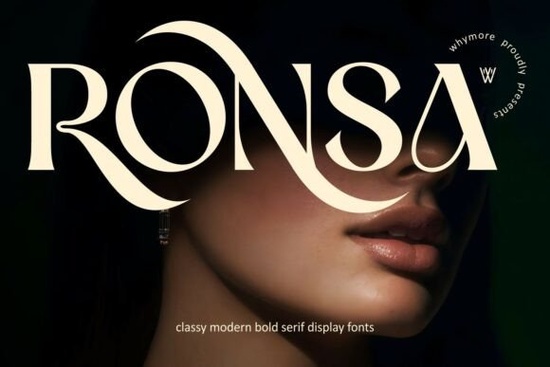
What exactly makes a font a “modern bold serif”?
Unlike standard serifs that can sometimes feel delicate or overly traditional, a modern bold serif like Ronsa carries a confident weight. The high-contrast strokes mean the thick parts are very thick, and the thin parts are very thin. This creates a striking visual hierarchy that naturally draws the reader’s eye.
It’s polished enough for a luxury logo but structured enough for long-form text in an editorial layout. If you are working on a project that needs to feel premium like a boutique hotel identity or a high-end product label this typeface adds that refined curve and bold structure without looking dated. The designer focused on distinctive letterforms and stylish details, so every character stands out.
Is Ronsa Font suitable for print-on-demand and craft projects?
Absolutely. Since Ronsa is crafted for both digital and print media, it’s a reliable choice for POD sellers. Whether you are designing a minimalist t-shirt graphic or a detailed wall art print, the font keeps its sharp details. The bold nature of the letterforms means it reads well even at smaller sizes something very useful for mugs, phone cases, or notebook covers.
For crafters using cutting machines, the clear, clean lines of a serif like this can be easier to weed and transfer compared to extremely thin script fonts. If you are building a library of typefaces for your shop, versatility like this saves you time.
When should I use Ronsa versus other serif fonts?
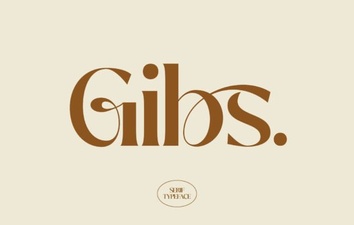
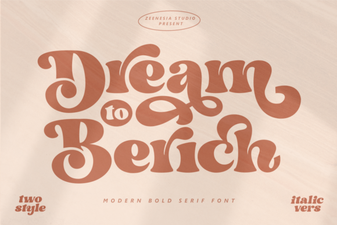
It really depends on the mood you want to set. Gibs Font is another great option if you are looking for a slightly different structure, but Ronsa is specifically designed for that “luxurious” and “timeless” feel. If you need something more playful for a creative project, checking out Dream To Berich Font might be a better fit. For a more decorative serif approach, Sparky Dream Font offers a distinct style.
For comparison, you can preview the complete set of glyphs over on the Ronsa Font product page. If you want to see similar modern serif styles side by side, browsing the Gibs font collection can give you a better idea of what fits your specific brand voice. The decorative flair of Sparky Dream or the classic appeal of Dream To Berich might also be worth adding to your shortlist depending on your project needs.
How do I pair a high-contrast serif font with other design elements?
Because Ronsa is a statement font, it pairs best with simpler, neutral companions. Think clean sans-serifs or subtle script fonts for contrast.
- For Logos: Let the font be the hero. Use it on its own or with a minimalist icon.
- For Editorial: Use Ronsa for your headlines and a light sans-serif for the body text.
- For Products: Combine it with clean lines and plenty of white space to let the elegant details shine.
What should I check before using a new font for my business?
Before you finalize your design, run through this quick checklist:
- Licensing: Make sure you have the right license for commercial use. This covers logos, merchandise, and digital products.
- Test at Small Sizes: Even though it’s bold, test how the high-contrast strokes look on a small business card or social media avatar.
- Print a Sample: Always print a physical sample to check the ink spread, especially for the thin serifs.
- Pairing: Have a backup font ready for body text or subheadings before you start the full design.
Getting these details right ensures your project looks professional and polished.
Ready to try it out? If Ronsa matches the style you are aiming for, your next step is to download it and test it directly in your design software. See how it looks with your own logo sketches or product mockups.
Download Now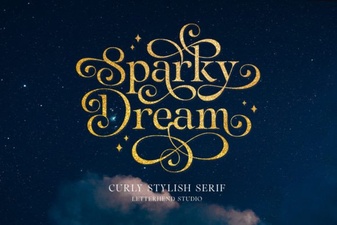 Sparky Dream Font: Creative Projects & Usability Guide
 Gibs Font: a Clean & Modern Design Resource
 Dream to Berich Font for Creative Projects
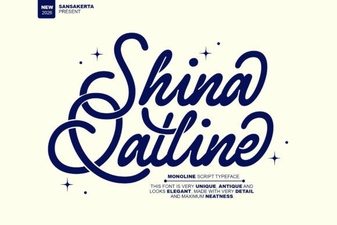 Shina Qatline Font: Creative Uses & Design Ideas
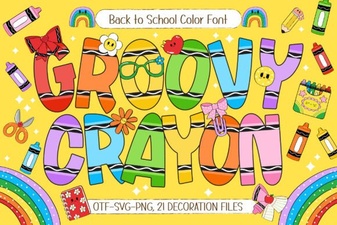 Groovy Crayon Font: Playful Designs and Creative Projects
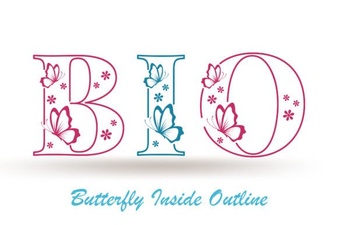 The Butterfly Inside Font for Creative Design Projects